
Register
Click on 'Register', top right of the main website, or use the 'Register' button in the main menu.
Register Form
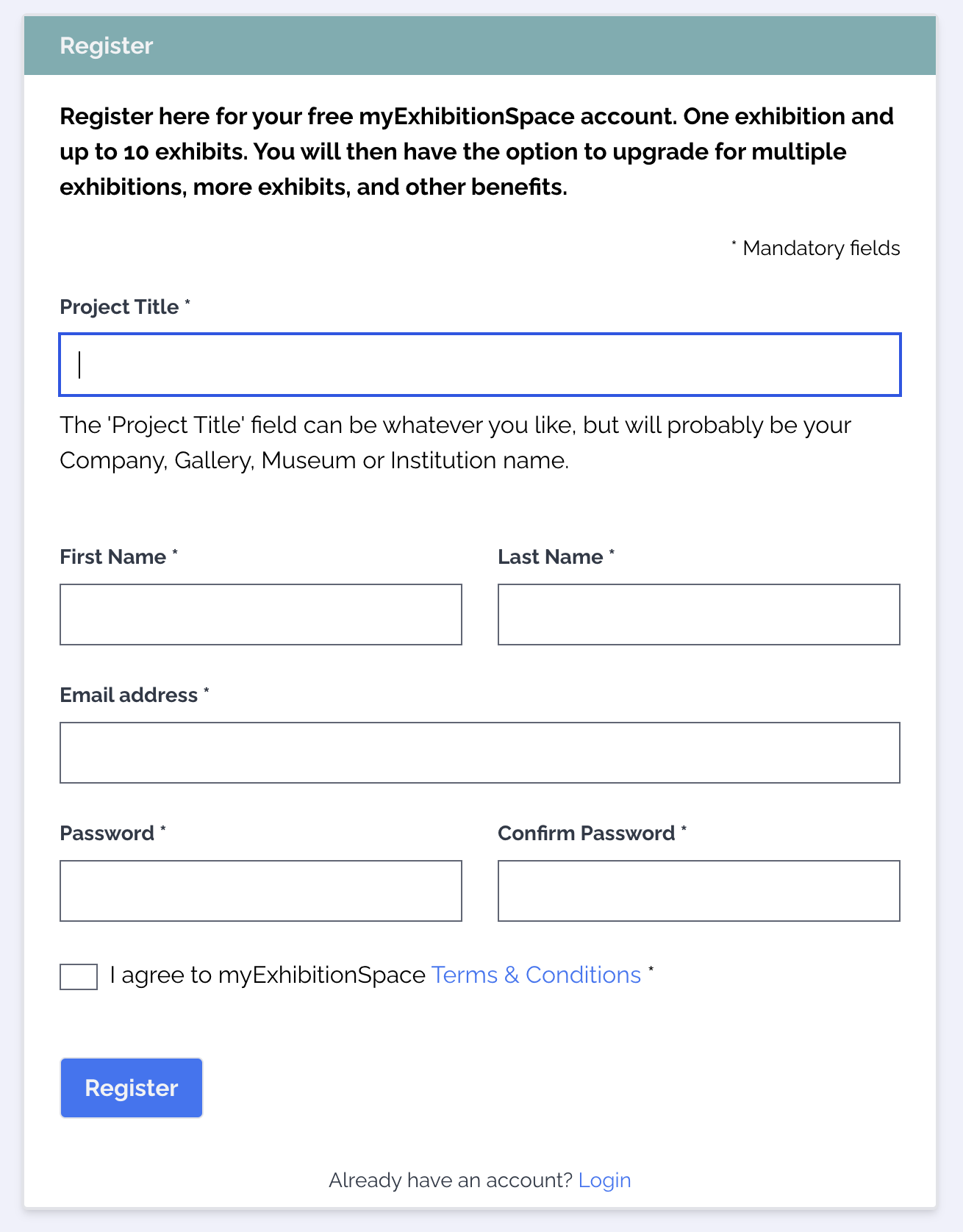
The registration form looks like this, complete ALL the fields then click on 'Register' button:
An email will be sent to your email account, give it a few minutes, if you do not see it please check your 'Spam' folder. Click the button in the email to verify your email address and open your account. This will log you into myExhibitionSpace and take you to your 'Control Panel' page where you can start creating your first exhibition.